What's new
What each version of Nadia brings, newest first, as her window shows it after an update.
Each entry is one change you meet in Nadia's window, with a picture of it. The first time her window opens on a new version, it shows the entries that version brings, as Updates describes.
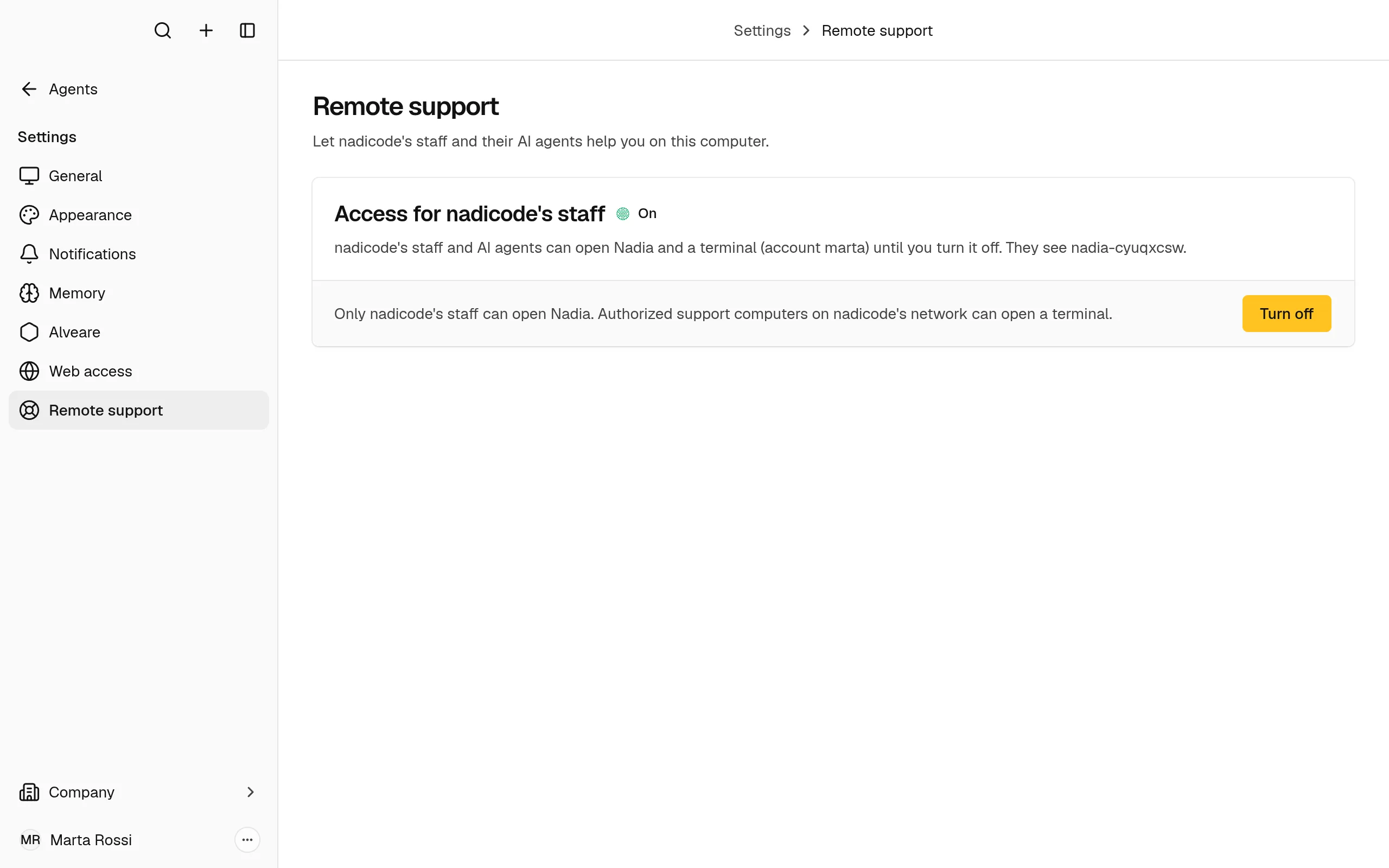
Remote support with a terminal, now on a Mac and Linux too
With Remote support on, nadicode's staff and authorized support computers can open a terminal on this computer and fix Nadia even when she won't start. Remote support now works on a Mac and on Linux as well as on Windows.
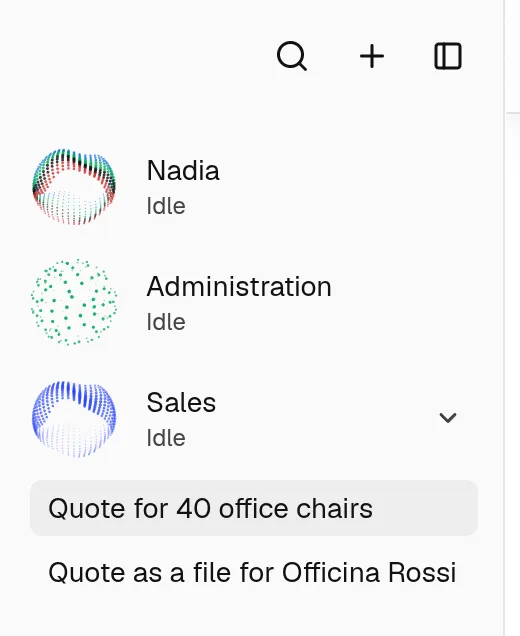
Each Agent's chats, under her row
The column now lists your Agents only, and each one's chats fold under her row, newest first, with Working or Needs you on a chat that asks to be seen. Click her name to open her main chat with her other chats under it, and her Projects above them on a Nadia set up for one person.
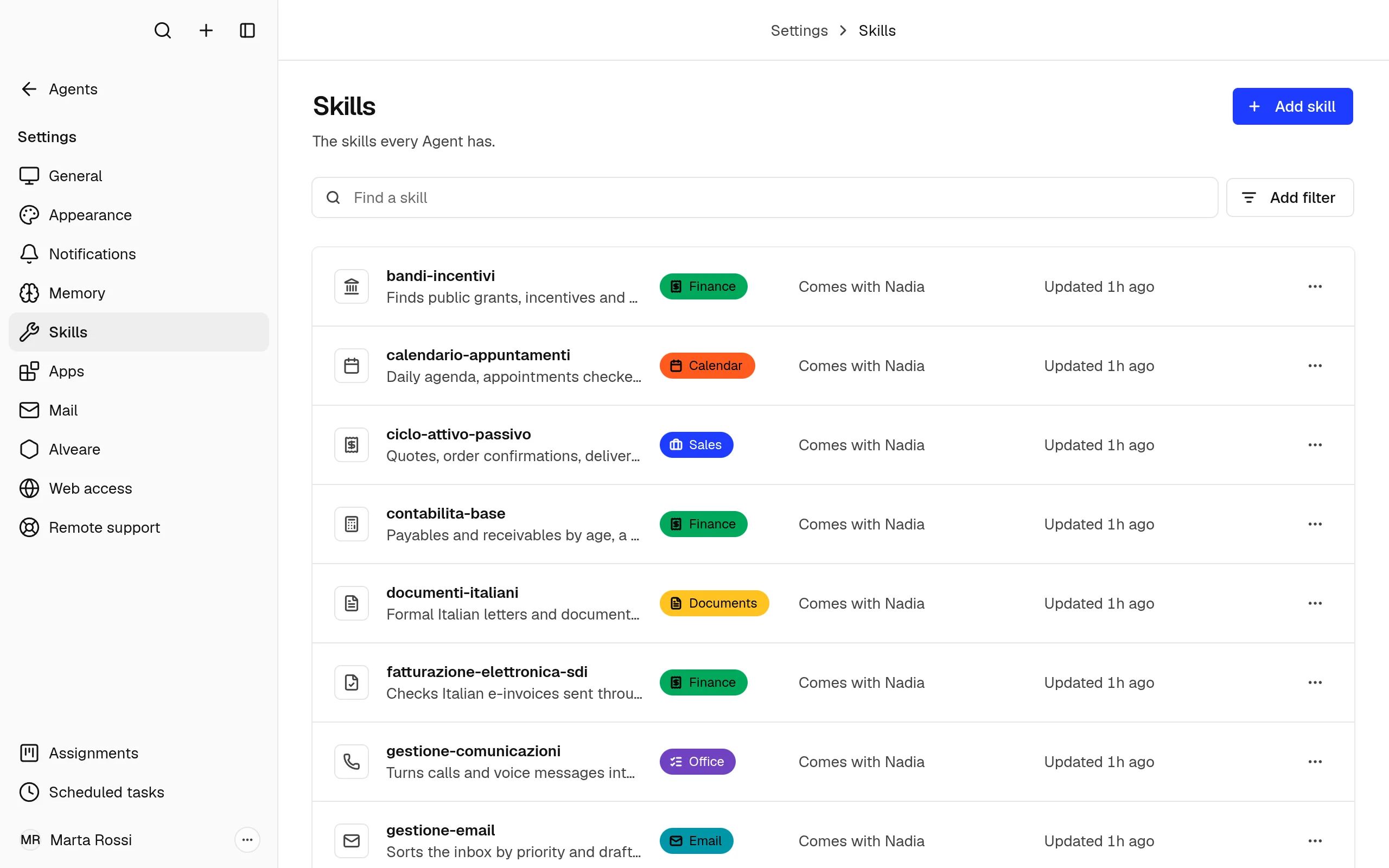
On a Nadia of your own, Settings holds Skills, Apps and Mail
On a Nadia set up for one person, Assignments and Scheduled tasks stand at the foot of the Agents list as rows of their own, and Skills, Apps and Mail are in Settings, after Memory.
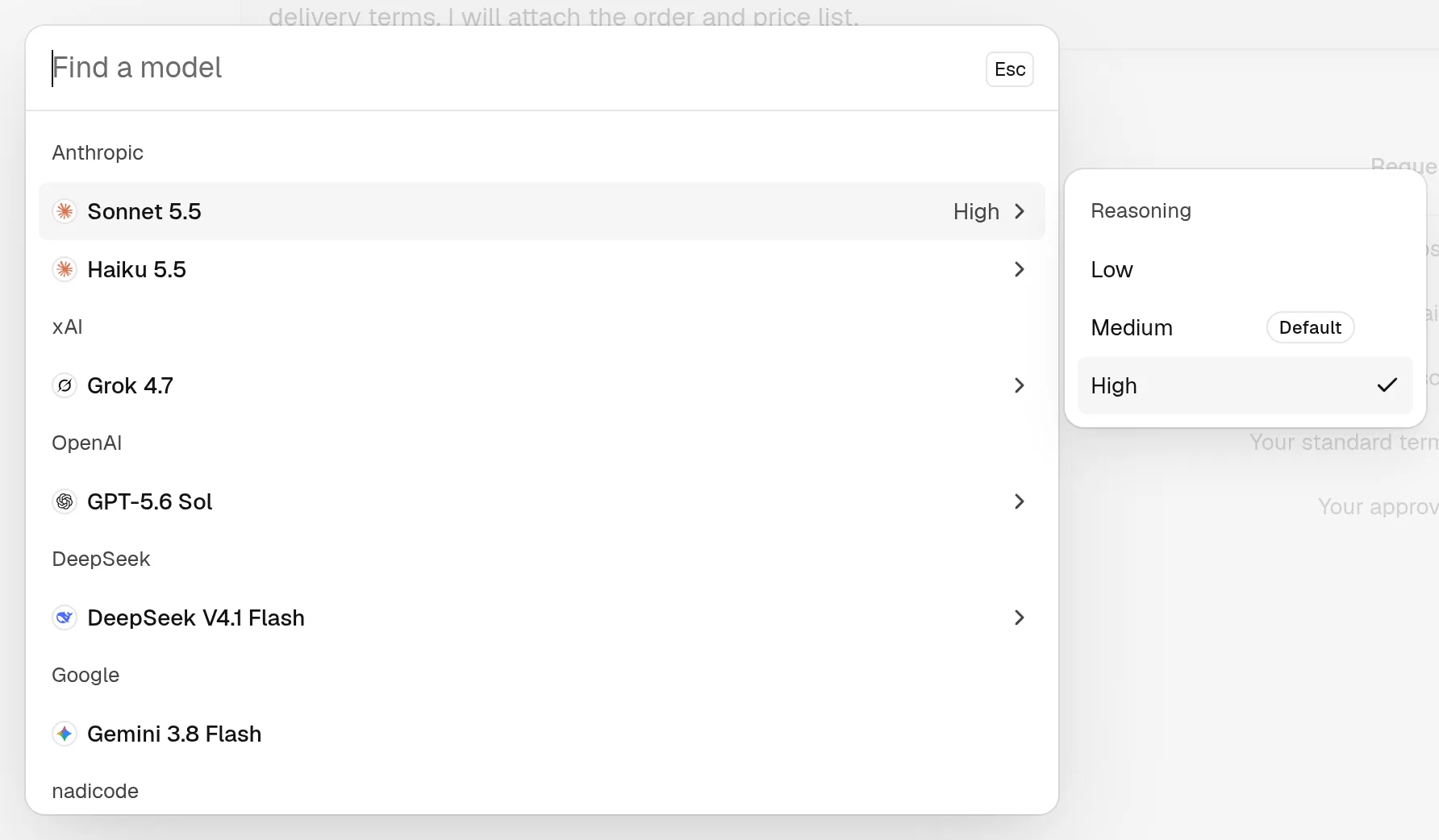
The chat's model, one click away
The header names the chat's model and its level after the chat's name. Click it to choose another model or how much it reasons; ⌘⇧M still opens the same list.
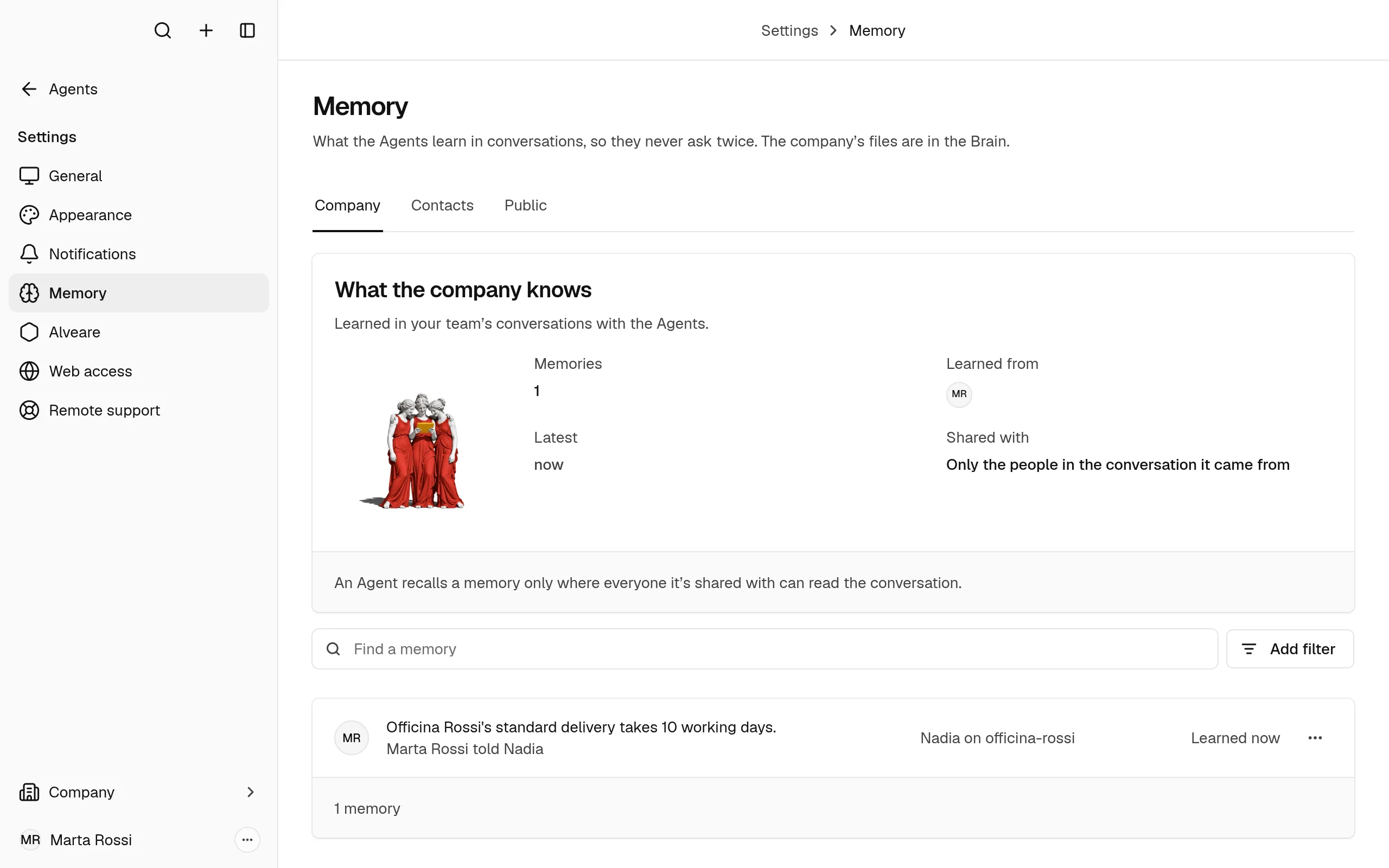
What a colleague teaches, every Agent knows
Tell an Agent in a direct message where the price list is kept, and every Agent knows it, for every colleague. Personal matters stay where they were said, and what is said in a private channel stays with its members.
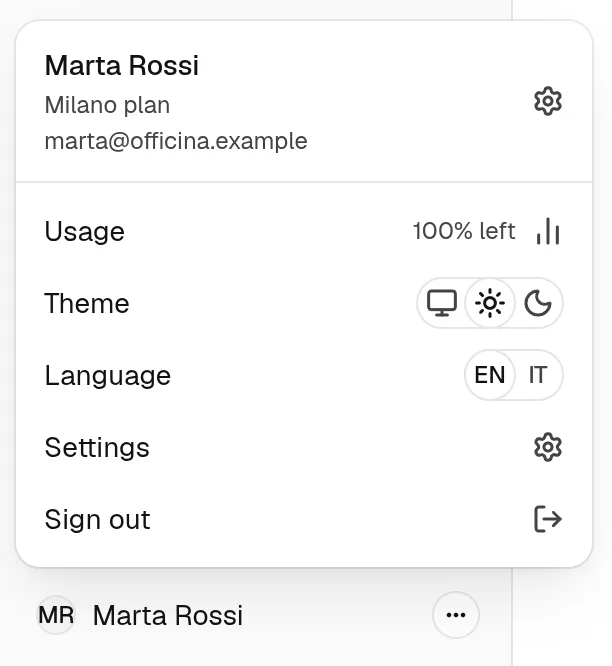
Your plan in the account menu
When you have a plan, the account menu shows it under your name, such as Milano plan.
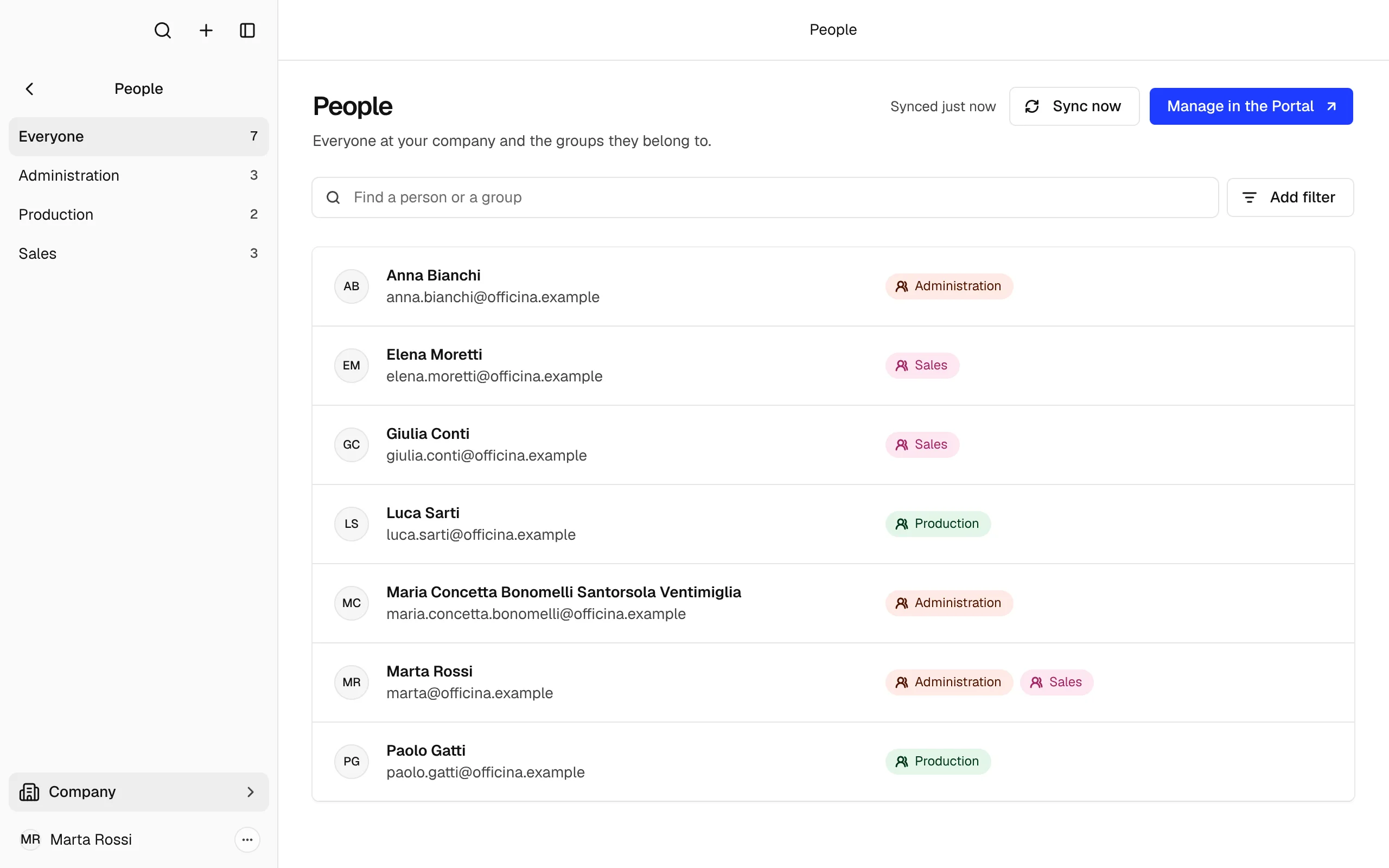
Your company's people, and folders for a group
Your company's owners and admins keep its people and groups in the Portal, or take them from the company's Microsoft 365, and People in Nadia shows them, each group on its own page. Give a Brain folder to a group or to one person: an Agent then finds that folder's files only for the people who may read it.
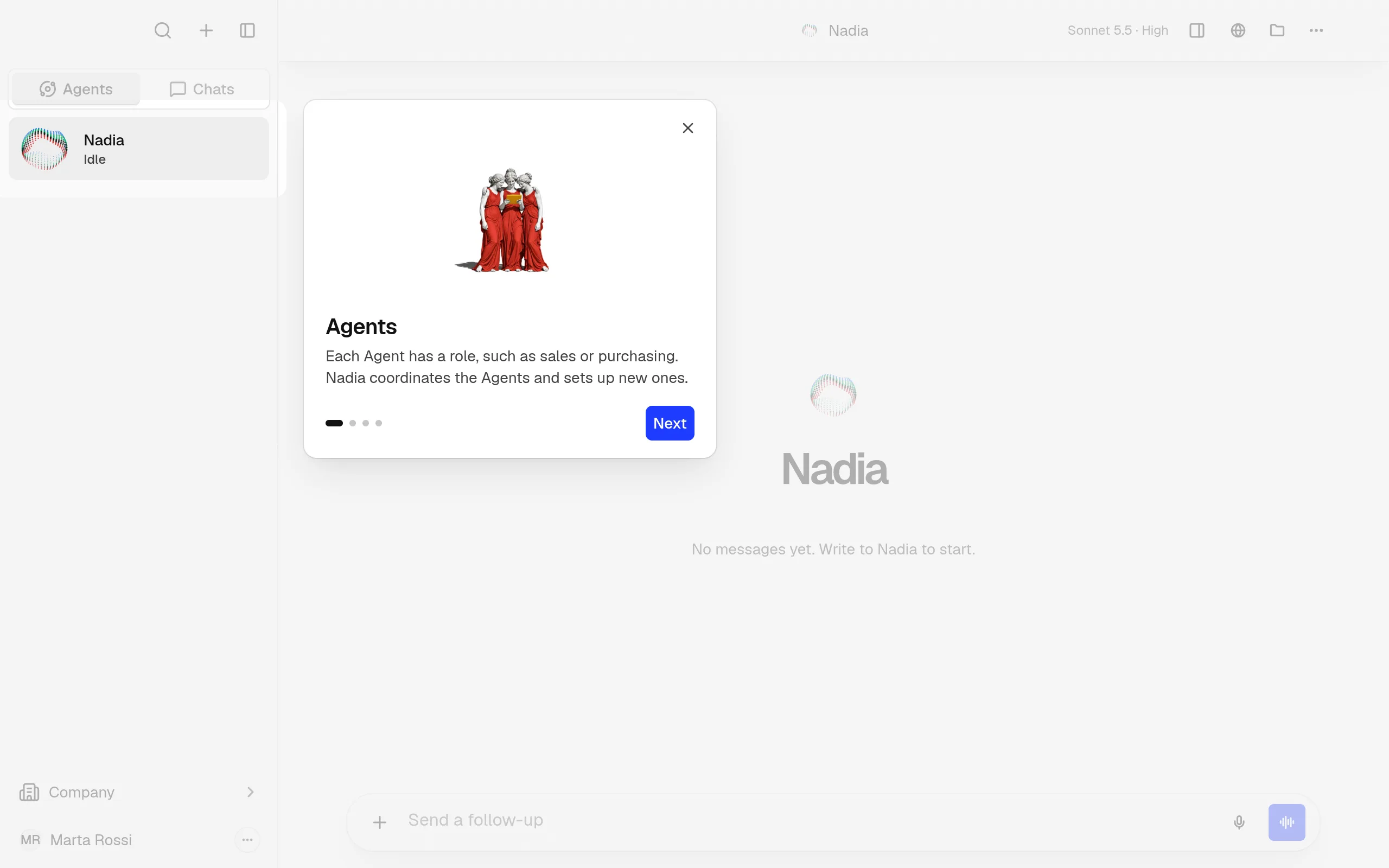
A tour of what Nadia does
Four cards on Nadia's main features: your Agents, scheduled tasks, messaging and memory. Start it again any time from Settings.
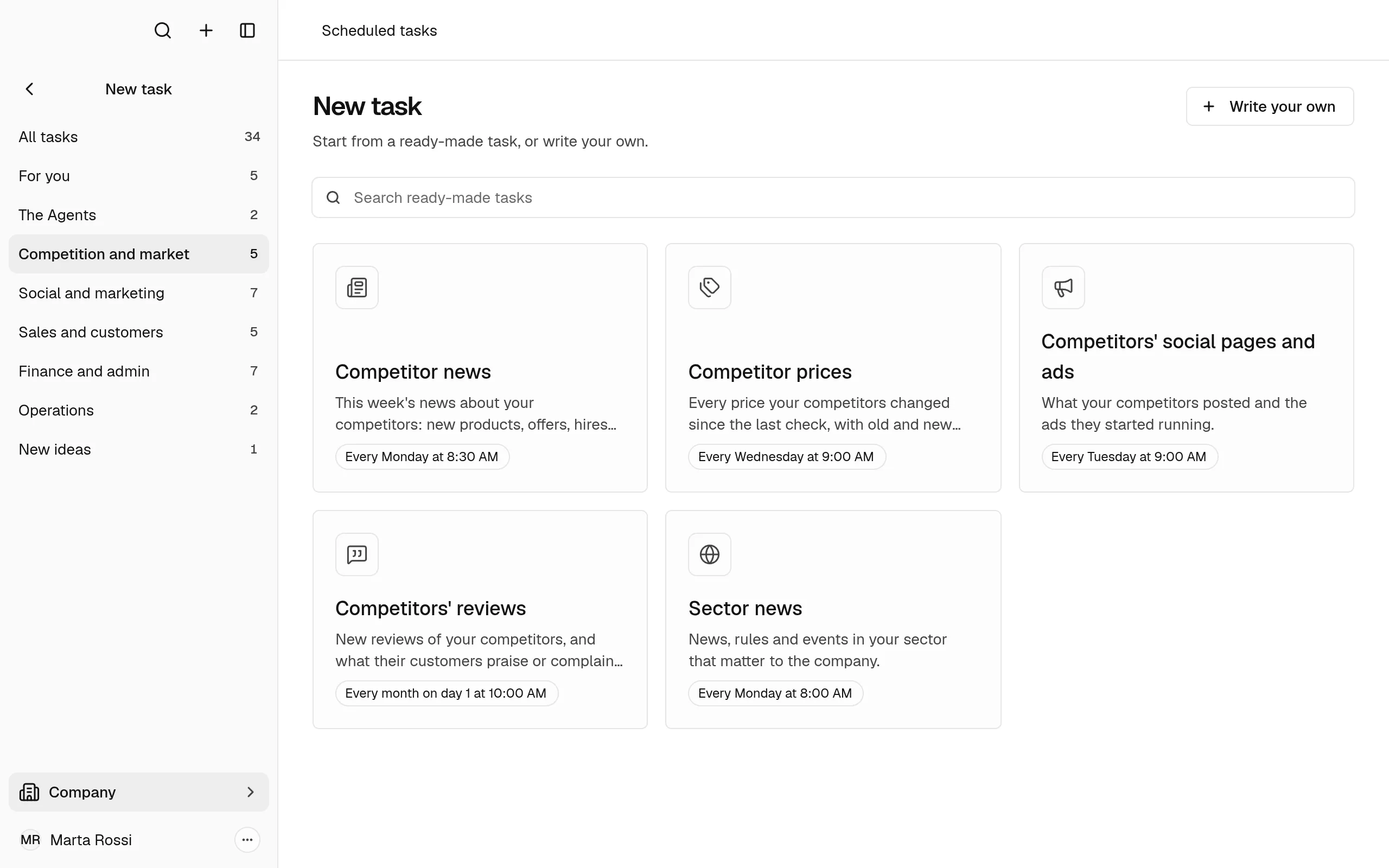
34 tasks, ready to start
Choose a morning brief, competitor prices or overdue invoices under New task. Answer a few questions, and an Agent does it on schedule from then on.
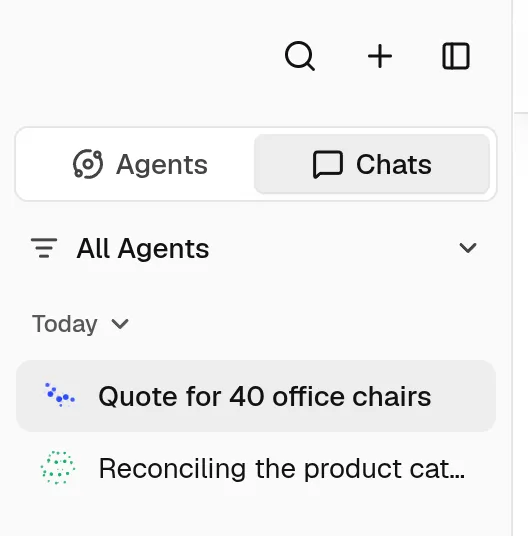
All your chats in one place
Switch the column to Chats, and every chat with every Agent is there, newest first. Filter by Agent when you want just one.