Memory
What the Agents remember about the people they work with, and how to change or remove it.
The Agents remember things about you, your team and everyone they talk to, so they never ask twice.
Whose memory is whose
- Everyone who writes in Nadia's window shares one memory, You, and so does every scheduled task.
- Each person in Alveare and on a Channel has a memory of their own: what an Agent learns from them, every Agent recalls when they write again.
- People in Nadia's window and in Alveare also share the team's knowledge. On the other Channels a person does not read the team's knowledge.
See what the Agents remember
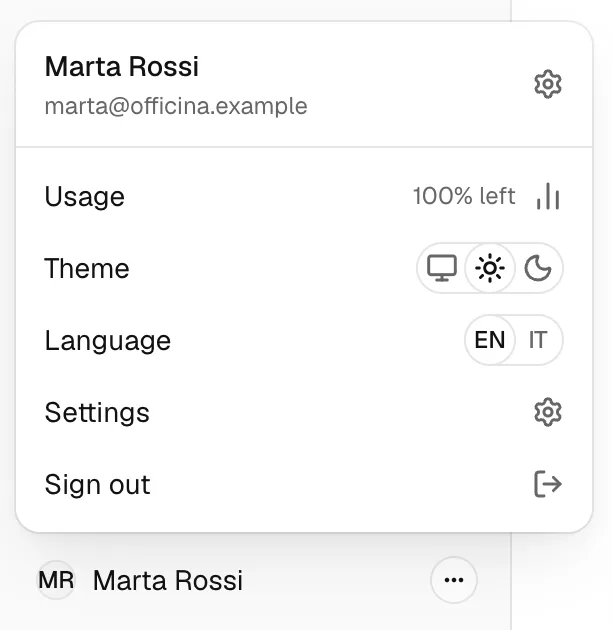
- Open the account menu, at the bottom left, and choose Settings.
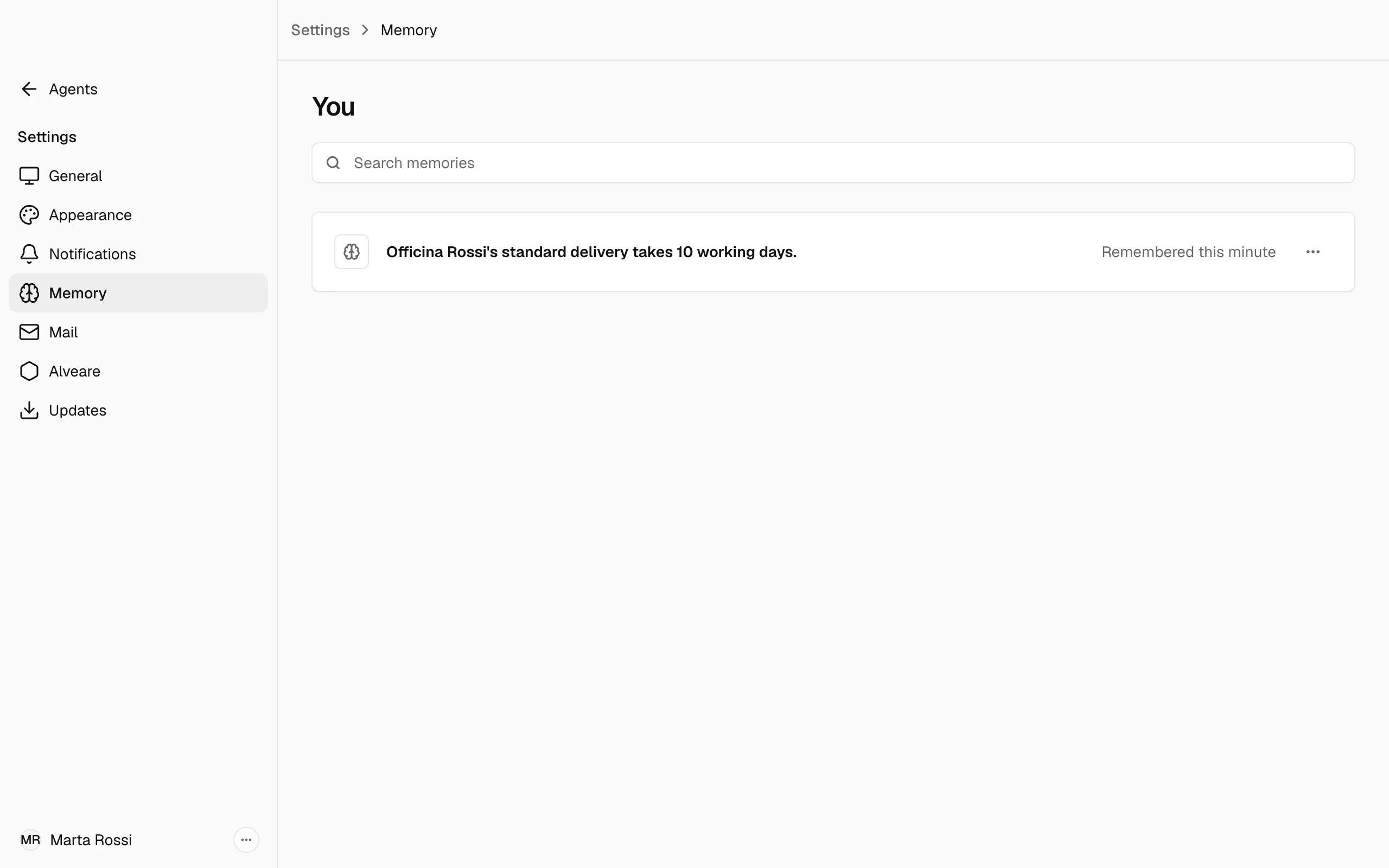
- Choose Memory. The page lists the memories the Agents keep, such as You and Your team, and one for each person they met on a Channel, with how many memories each holds. The memories of people in Alveare are not listed.
- Open a person to see their memories. To find one, type in Search memories.
Change a memory
- Open the ⋯ menu of the memory and choose Edit.
- Change the text and choose Save.
Remove a memory
- Open the ⋯ menu of the memory and choose Remove.
- Confirm with Remove. No Agent recalls it from the next conversation.
Forget a person
- Open a person the Agents met on a Channel.
- Choose Forget this person, then confirm.
Warning
Every Agent forgets everything this person told them. This cannot be undone.
When memory is not working
Memory is optional. Without it the Agents still answer, and they remember nothing new. When it stops, the page says Memory isn't working. Repair it in Settings, under General.