Skills and plugins
What an Agent knows how to do: her own skills, the company's skills, and the plugins that bring more.
A skill teaches an Agent one kind of work, such as preparing a quote the way your company does. A plugin adds skills and tools to an Agent.
Teach an Agent a job
- In a chat with the Agent, show her the job.
- Ask her to save it as a skill. To give it to every Agent, ask her to save it for the company.
- Find it in her Skills, or in the company's Skills.
See an Agent's skills
- Open the Agent's ⋯ menu and choose Edit.
- Choose Skills. It lists every skill the Agent has, with where it came from and when it was last updated. To narrow the list, type in Find a skill.
Each row says what its skill does, or where it came from when it has no description:
- A row tagged Company is one of the company's skills. It is changed in the company's Skills, not here. Choose the row to open it there.
- Learned by the Agent, or written for her by a person.
- From a skill hub, added for her alone.
- From the Portal, for her alone: Remove it in the Portal.
Change one of her skills
- Open the ⋯ menu in the skill's row.
- Choose what to do:
- Update brings a hub skill's newest version.
- Open its files shows the skill's text, which you can edit in its row, then Save. A hub skill's files are read-only. Changes apply from the next conversation.
- Turn off or turn on for this Agent. A skill that is turned off says Turned off.
- Remove. A skill of her own goes to Skills set aside, where you can restore it. A hub skill can be added again with Add skill.
Add a skill from a hub
- On her Skills, choose Add skill.
- Find the skill among your company's skill hubs and choose Add.
The skill is added for this Agent only.
Bring back a skill she put away
- On her Skills, choose the Set aside button, which shows how many skills are in it. It appears only when there is something to restore.
- In Skills set aside, choose Restore beside the skill.
Skills set aside lists the skills she put away after they went unused, and the ones learned by her or written for her that you removed.
Manage the company's skills
- At the top of the Agents list, choose Skills. Every Agent has these skills.
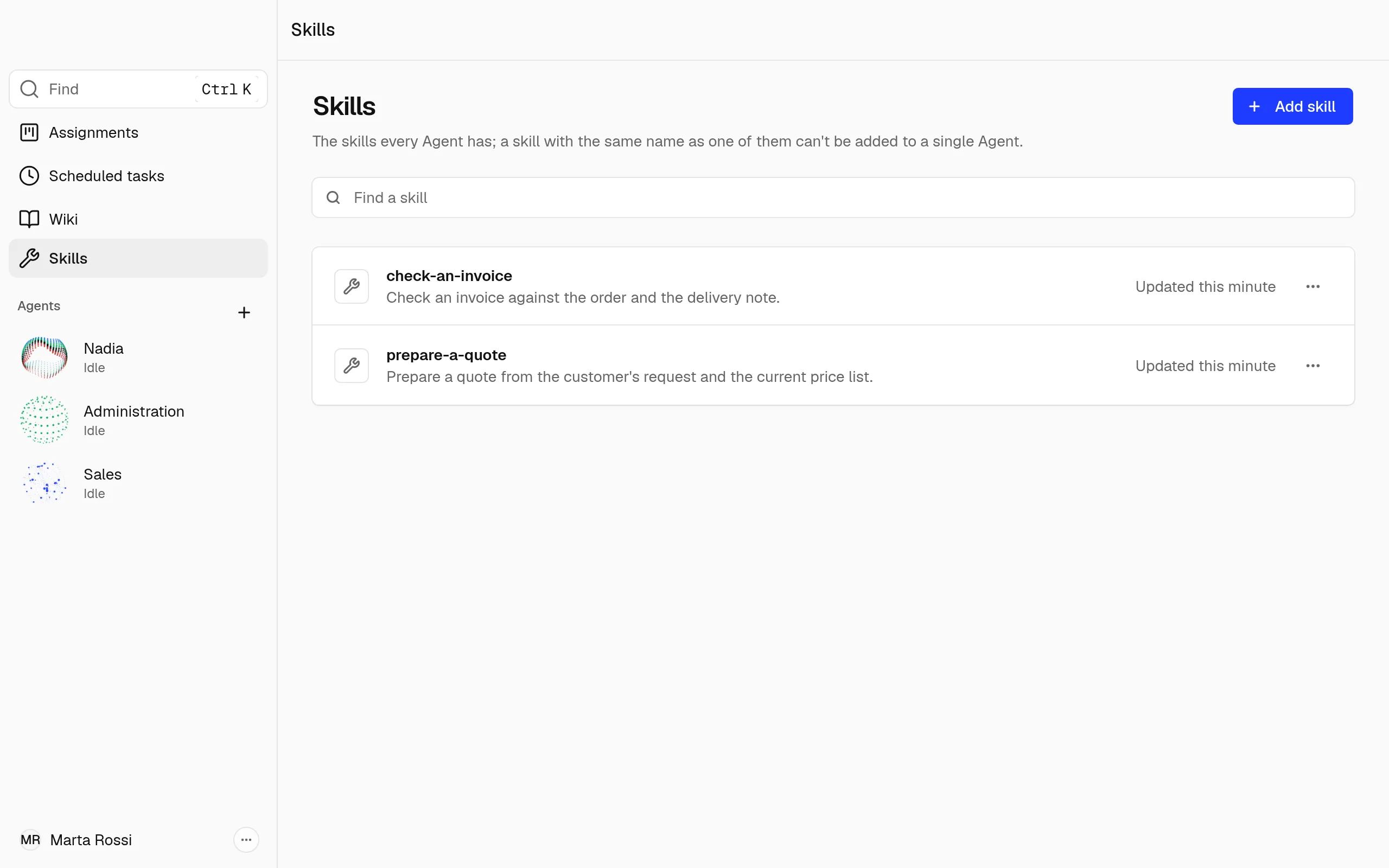
- Choose Add skill to add a skill from the company's hubs for every Agent. Update all, and Update on a row, bring a hub's newest version.
- Open a row's ⋯ menu and choose Open its files to read or edit its text.
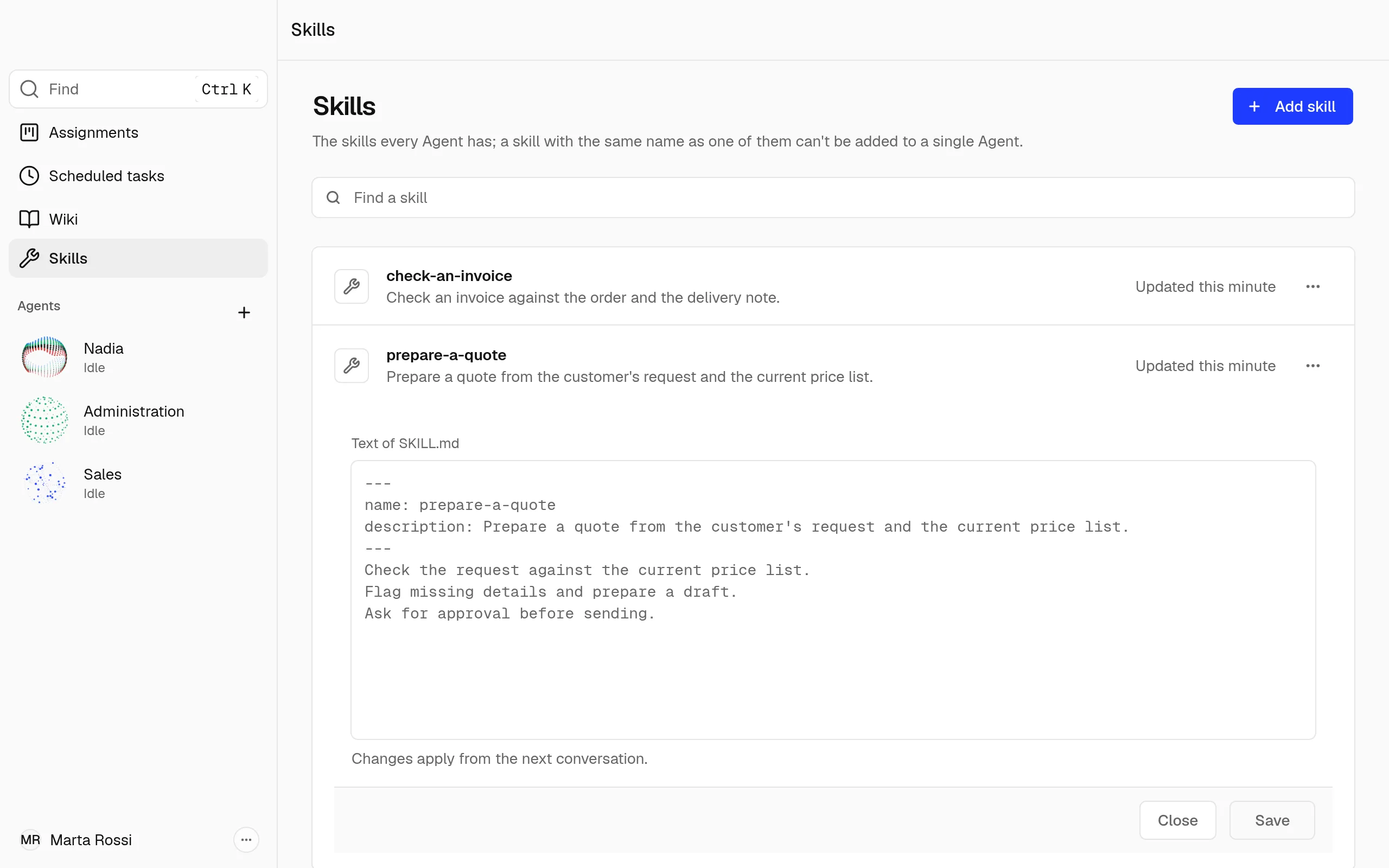
- Choose Remove from every Agent to take a skill from every Agent. One saved in a chat goes to Nadia's Skills set aside, where you can restore it. A skill the Portal gave the company is removed in the Portal.
Note
A skill for every Agent is not added when a skill built into Nadia or another company skill has its name, or while an Agent has a skill of her own with that name, which you remove first. A skill her Agent template brought, shown on her Profile, holds its name too.
A skill for one Agent is not added when a company skill, a skill built into Nadia or one of her own skills has its name. Two Agents may each have a skill of their own with the same name. The skill's row says why.
Turn plugins on and off
Plugins change how an Agent works, and come from Nadia or the Portal.
- Open the Agent's ⋯ menu, choose Edit, then Plugins.
- Read each plugin's Contents, the skills and servers it brings, and where it came from. A plugin that is turned off says Turned off, with a Turn on button.
- To turn one off, open its ⋯ menu and choose to turn it off for this Agent.
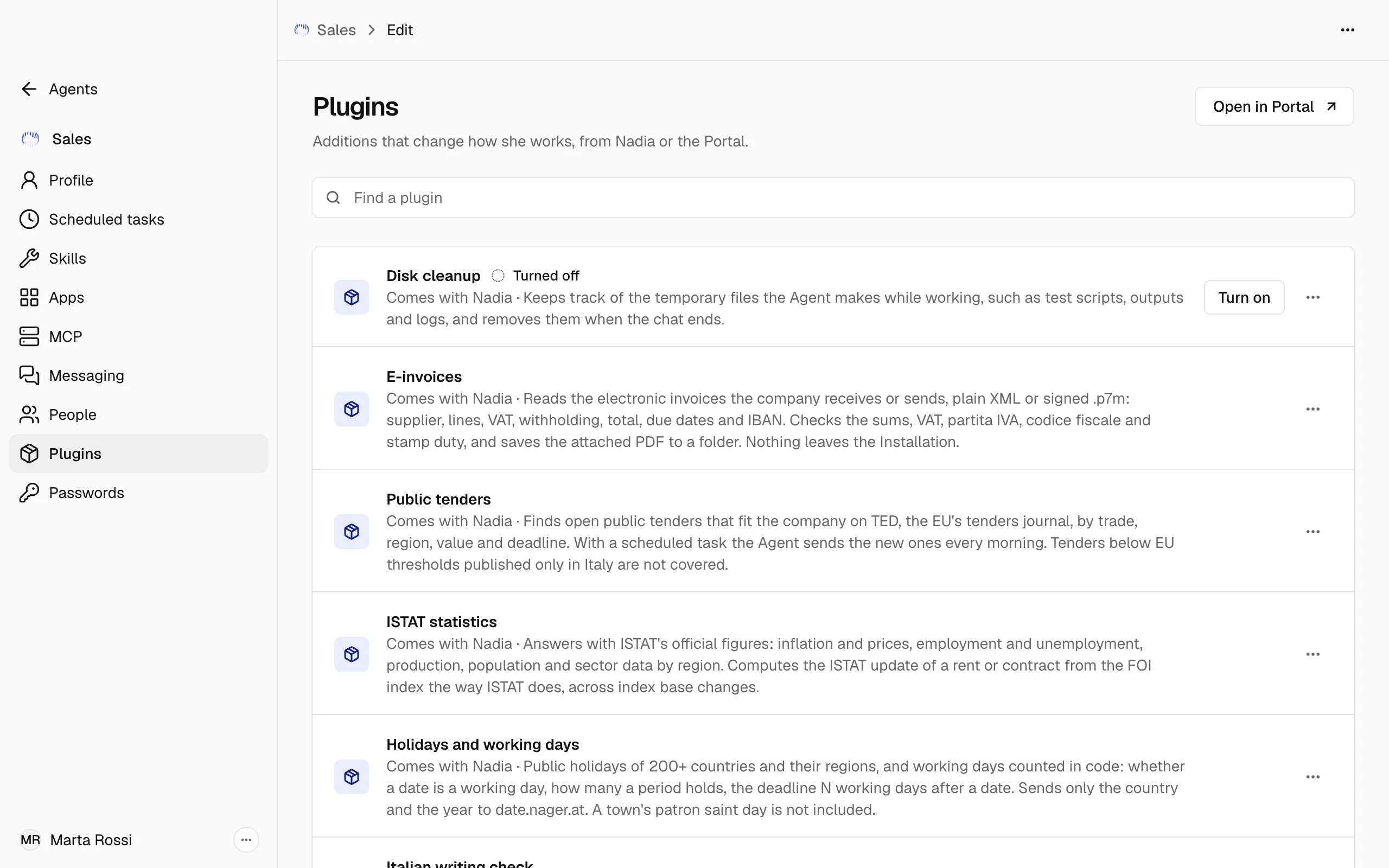
A plugin has one of four origins:
- From the Library: added and removed in the Portal, which Open in Portal opens.
- From the Agent template, kept by the Agent template.
- Added on this Installation.
- Comes with Nadia, such as Security guidance.
The WhatsApp live calls row opens a page of its own, where the Agent's WhatsApp is linked for calls: see WhatsApp live calls.
With Procedure recording on, you show the Agent a procedure on a website once and she turns it into a skill: see Record a procedure.
Only a plugin added on this Installation can be taken away with Remove in its ⋯ menu. For the others the menu says who keeps it.