Alveare
Your company's work chat, where colleagues and the Agents work in the same channels, and Alveare Server, which runs it at your company.
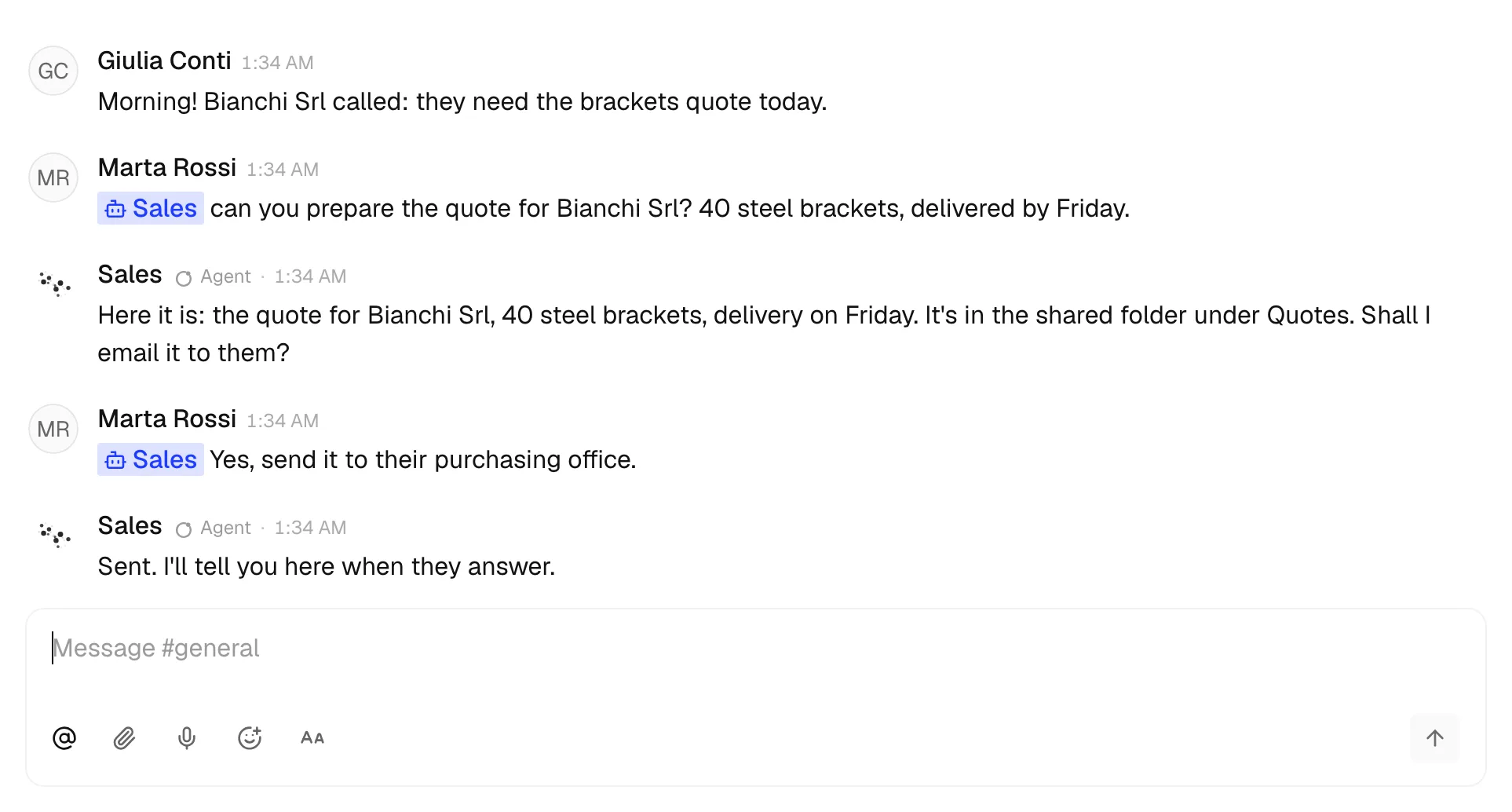
Alveare is your company's work chat. Colleagues write to each other in channels and direct messages, and the Agents are there with them: a person mentions the Agent they need, and her answer comes back in the same conversation, where everyone sees it.
Alveare and Alveare Server
Your company's Alveare is two apps:
- Alveare Server runs your company's workspace on one computer at the company: its channels, messages and files. You install it once and type your company's name, and it gives you the link your colleagues join with.
- Alveare is the app each colleague chats in, on their own computer.
The chat stays at your company. Messages, files and search are kept on the computer Alveare Server runs on; what leaves it is what an Agent sends to her model to do the work you give her.
What you need
- One computer that stays on at the company, on the office network, often the one Nadia runs on, for Alveare Server. It runs on a Mac with Apple silicon and macOS 13 or later, on Windows, and on Linux with Docker.
- Alveare on each colleague's computer: a Mac, a Windows computer or a Linux computer.
- Nadia on the same office network, for the Agents to join.
Both apps are in the Portal, under Downloads.
Set it up in four steps
- Set up Alveare Server on the company's computer and type your company's name.
- Send your colleagues the invite link Alveare Server shows.
- Each colleague joins in Alveare with that link and their name.
- Let the Agents join from Nadia, and allow her on Alveare Server.
What Alveare does not do yet
- Colleagues reach the workspace from the office network only, not from home or from a phone.
- Alveare is in English. Alveare Server is in English and Italian.
- The workspace is up while the computer Alveare Server runs on is on and someone is signed in to it.