The company wiki
Give the Agents the company's documents to learn from, and see what they learned.
The wiki is the set of pages every Agent reads before she answers a question about the company. Nadia writes it from your documents and web pages and keeps it current.
Add a source
- At the top of the Agents list, choose Wiki.
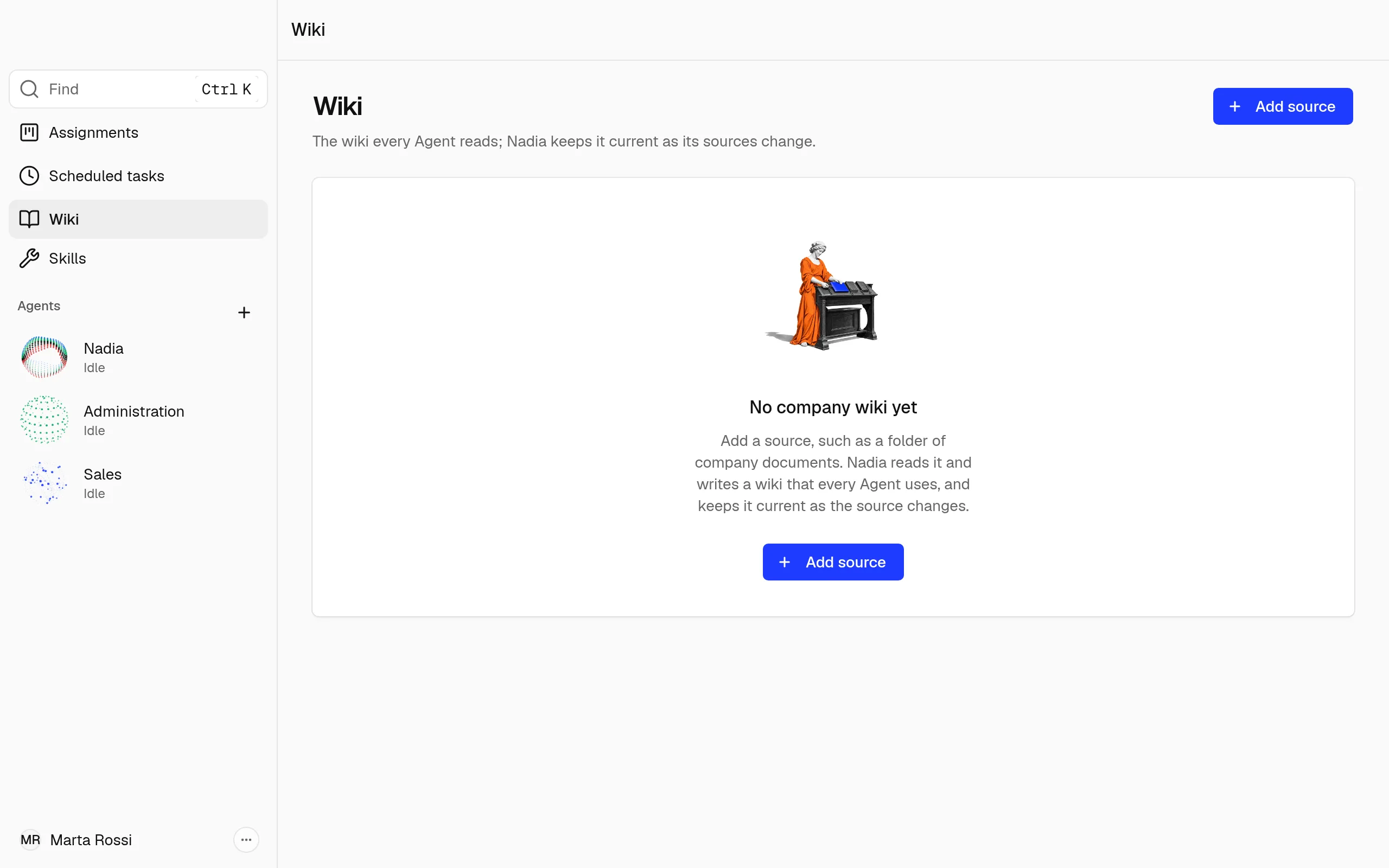
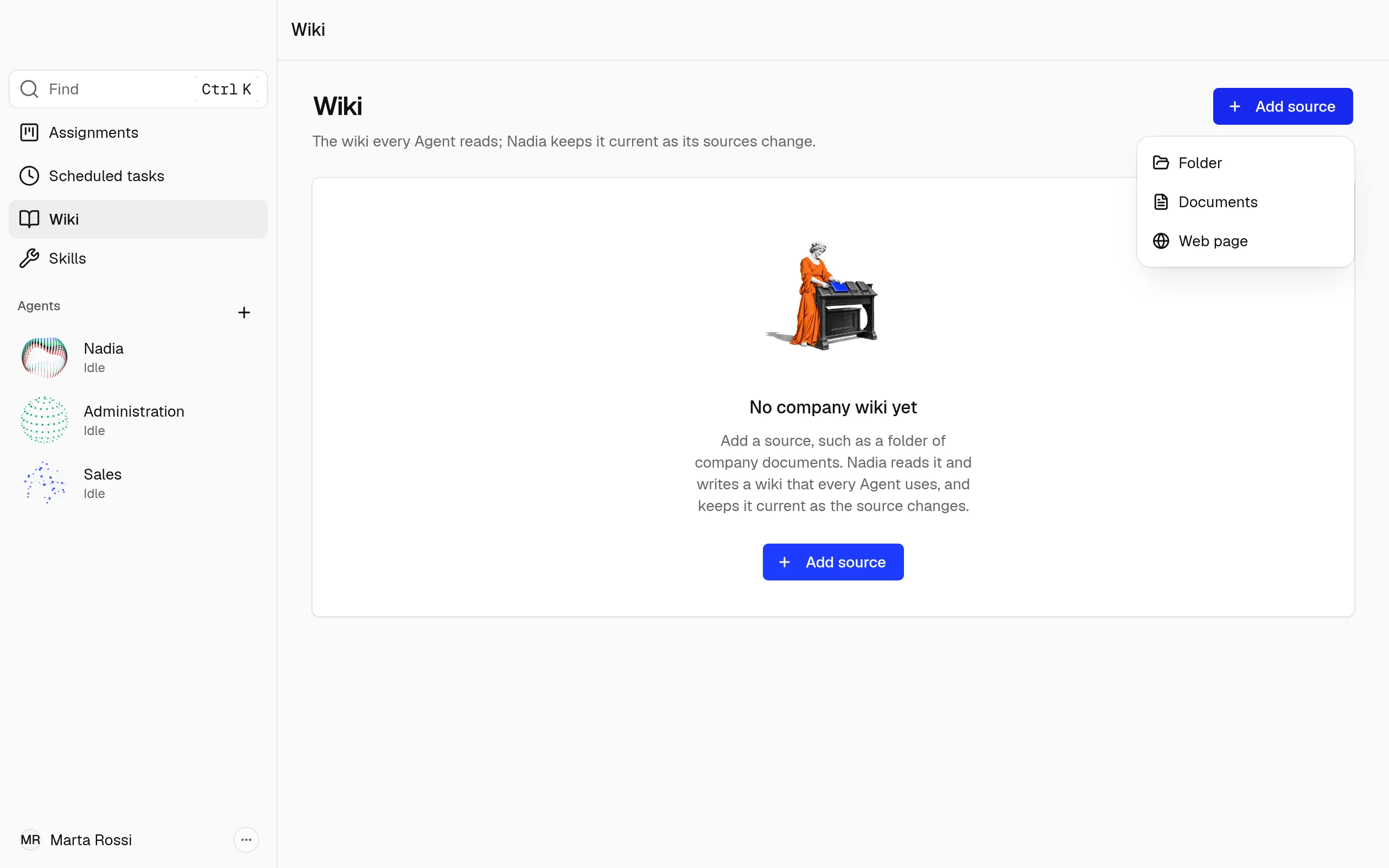
- Choose Add source, then what the wiki should read:
- Folder: a folder on this computer and everything in it.
- Documents: one or more documents on this computer.
- Web page: a page on the web, such as a price list or a public notice. Paste its link and choose Add web page.
Nadia reads each document and writes the wiki's pages from it: people and organisations, topics, comparisons, answers and summaries.
She reads these kinds of file: PDF, Word, Excel, PowerPoint, OpenDocument, RTF, EPUB, Markdown, text, CSV, web pages and saved emails. Hidden files and the temporary files Office leaves open are skipped.
How Nadia keeps the wiki current
Nadia looks at the folders and documents every minute. When a document is new or has changed, she reads it; she reads one document at a time until none is left. A web page is read once, when you add it.
A document she cannot read after 3 tries shows under Needs you. Choose Try again to have her read it again.
If a folder is no longer on this computer, for example a disconnected drive, it shows under Needs you and the wiki keeps what it learned from it.
Note
A large folder takes a while the first time: Nadia reads its documents one by one. The Wiki page shows how many are still waiting.
Read the wiki
The Wiki opens on a map of its pages. Each dot is a page, and the lines are the links between pages.
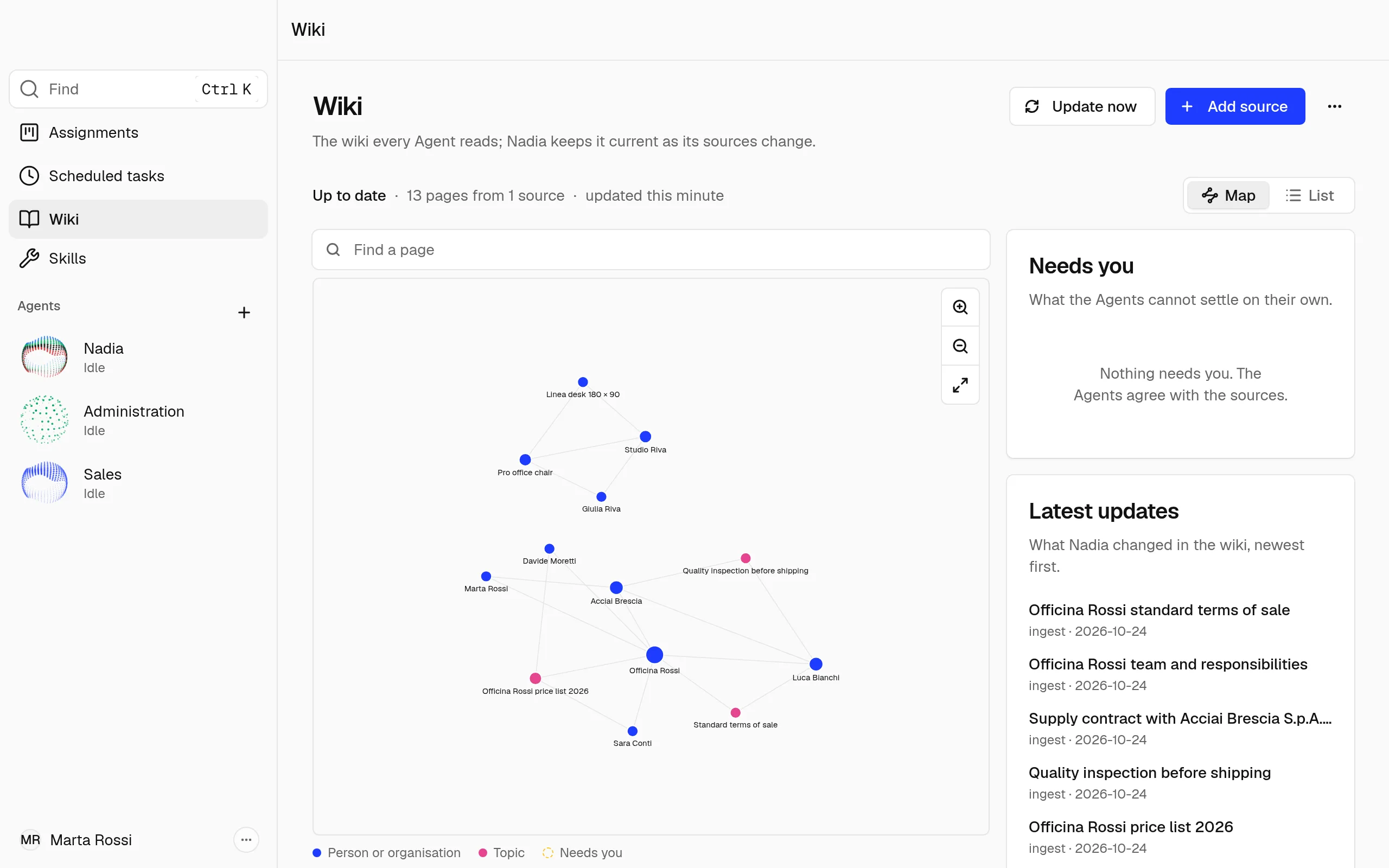
- Type in Find a page to highlight the pages whose title matches.
- Choose a dot to see what the page is, then Read page to open it.
List shows the pages as a list instead.
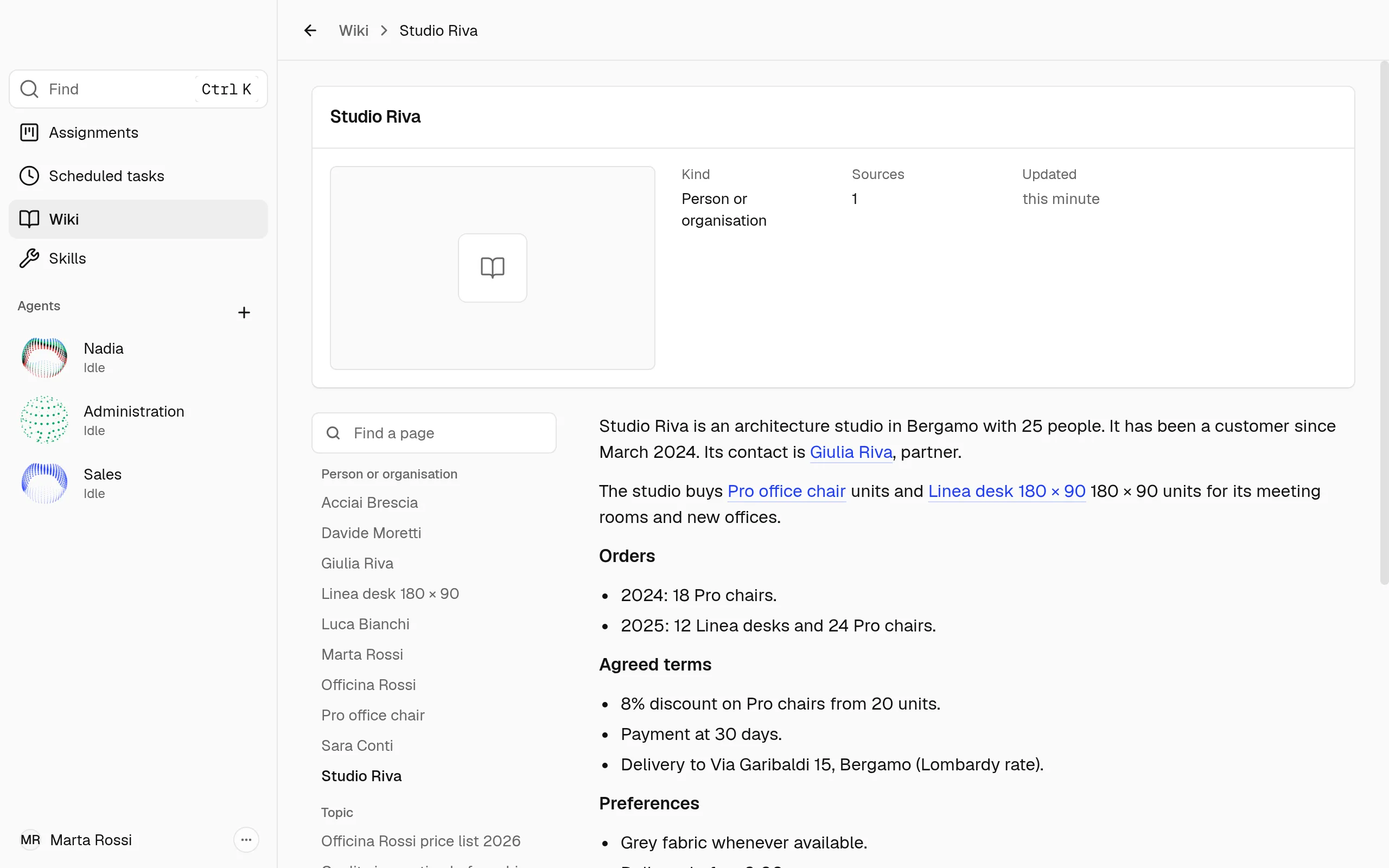
On a page, the list of every page of the wiki stays on the left, so you can open another one directly. Under the text, Links to and Linked from list the pages it is connected to, and Sources lists the documents it comes from; the small numbers in the text point to them.
Note
A page marked Sources disagree or To check says its sources need a person's eye. These pages also show under Needs you.
See the sources, or stop reading one
- Open the wiki's ⋯ menu and choose Sources. Each source shows how much of it Nadia has read.
- Open the menu of the source you want to stop, choose Stop reading this source, then confirm.
The wiki keeps what it already learned from that source and reads nothing new from it.
Show the wiki's files, in the wiki's ⋯ menu, shows the wiki's folder on this computer.
How the Agents use the wiki
Before an Agent answers a question about the company, she reads the wiki and names the page she used, so you can check it.